Creative Skills
Graphic Design Essentials
Master the fundamental principles of visual design through structured learning and hands-on practice.
Master the fundamental principles of visual design through structured learning and hands-on practice.
Graphic design is both an art and a discipline. While creativity plays an important role, effective design is built on fundamental principles that can be learned, practiced, and refined. This course focuses on helping you develop a solid foundation in visual communication, regardless of whether you're starting from zero or looking to fill gaps in self-taught knowledge.
We begin with the elements and principles of design—concepts like balance, contrast, hierarchy, and alignment. These aren't abstract theories but practical tools you'll use in every design project. Understanding why certain compositions work and others don't gives you the ability to make intentional design decisions rather than relying purely on intuition or guesswork.
Typography is one of the most powerful tools in a designer's toolkit, yet it's often overlooked by beginners who focus primarily on images and colors. We dedicate significant time to understanding type: how to choose appropriate typefaces, combine fonts effectively, manage spacing and hierarchy, and ensure readability across different contexts and sizes.
You'll learn to see type as both functional and expressive. A well-set block of text isn't just legible—it enhances the message and creates the right mood. Poor typography, conversely, can undermine even the most beautiful imagery. Through exercises and analysis of both successful and unsuccessful examples, you'll develop an eye for typographic quality.
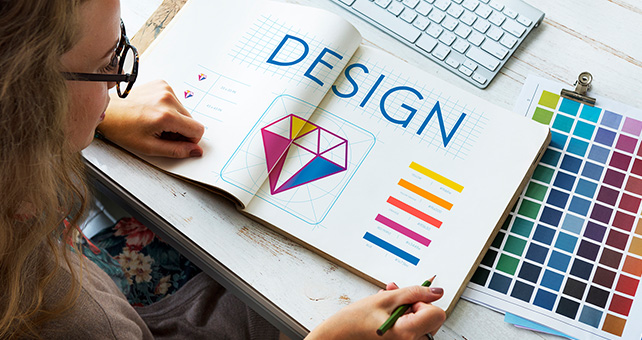
Color is emotional and cultural, but it's also systematic. We explore color theory from both angles: understanding color relationships through concepts like complementary and analogous colors, while also considering psychological associations and cultural meanings. You'll learn to create effective color palettes that serve both aesthetic and functional purposes.
Beyond theory, we focus on practical application. How do you ensure sufficient contrast for accessibility? When should you use bold colors versus subtle ones? How do you maintain consistency across a brand while allowing for variation? These questions require both knowledge and judgment, both of which develop through guided practice.

Layout is where all design elements come together. We examine grid systems, spacing, alignment, and the strategic use of white space. Good layout guides the viewer's eye, creates rhythm and flow, and makes information easy to navigate and absorb. Poor layout creates confusion and fatigue, no matter how beautiful the individual elements might be.
You'll practice creating layouts for different purposes: posters, brochures, social media graphics, web pages, and more. Each format has its own constraints and opportunities. Learning to work within constraints actually enhances creativity by giving you clear parameters and encouraging innovative solutions.
While principles remain constant, you need tools to execute your ideas. We cover industry-standard software, particularly Adobe Creative Suite (Photoshop, Illustrator, InDesign), but we also introduce free alternatives like GIMP, Inkscape, and Figma. The goal isn't mastery of every feature but understanding which tools suit which tasks and building efficient workflows.
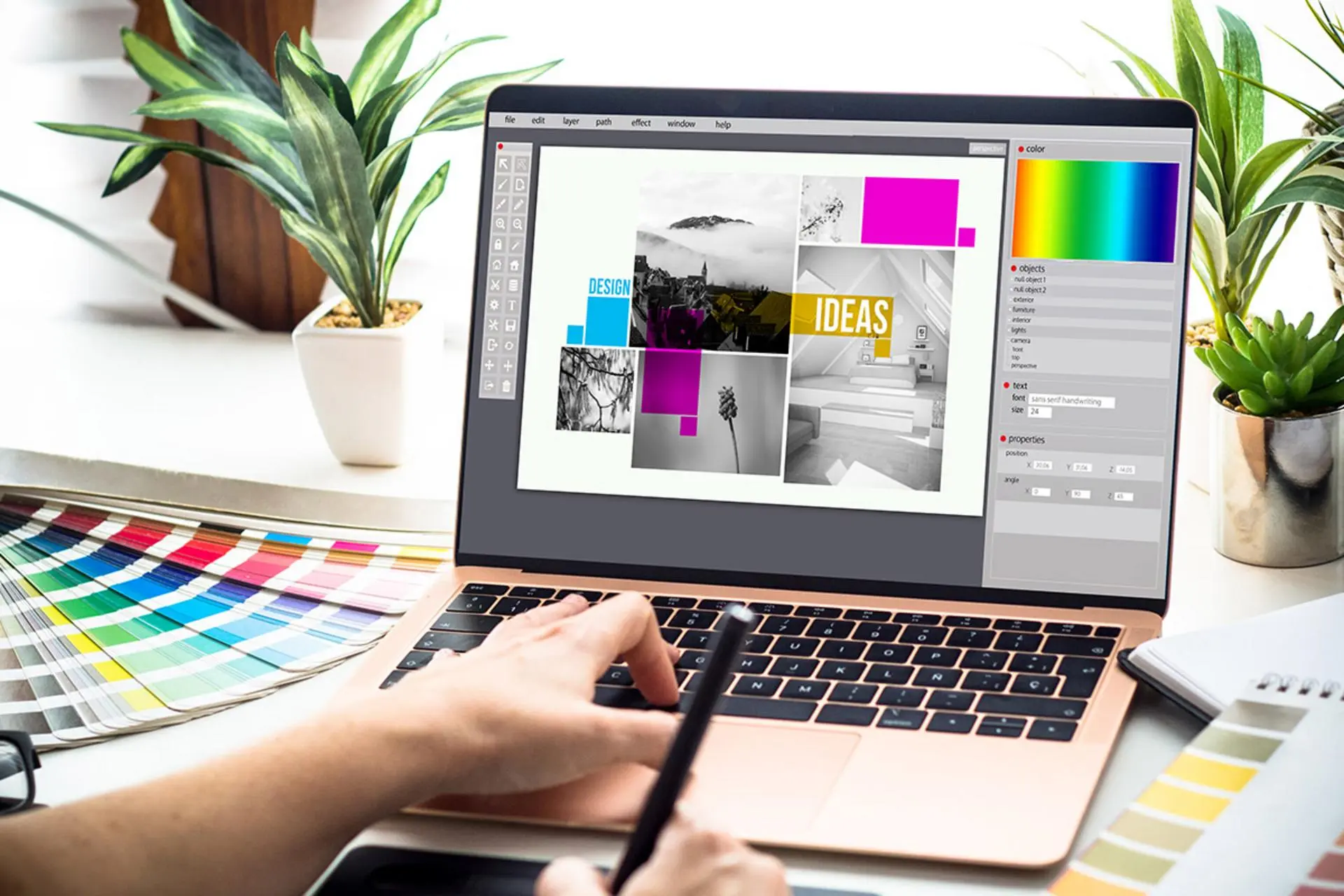
Software changes constantly, but once you understand core concepts—layers, vectors versus rasters, color modes, resolution—you can adapt to new tools relatively easily. We emphasize understanding over memorization, teaching you how to think about digital design work rather than just following step-by-step tutorials.
Every design communicates something, whether intentionally or not. Visual hierarchy helps ensure your design communicates what you intend. We explore how size, color, position, and contrast create emphasis and guide attention. You'll learn to analyze designs to understand what they're saying and how they're saying it, then apply those insights to your own work.
Effective design respects the viewer. It doesn't try to trick people or hide important information. It presents content in a way that's clear, honest, and accessible. This ethical dimension of design isn't separate from aesthetics—good design serves both form and function while respecting the audience.
Theory without practice remains abstract. Throughout the course, you'll complete projects that apply what you're learning: designing logos, creating marketing materials, developing brand identity systems, and more. These aren't busy work—they're structured to build specific skills and reinforce key concepts.
You'll also learn to critique work constructively, both your own and others'. Design critique isn't about being negative—it's about identifying what works, what doesn't, and why. This skill is invaluable whether you're working independently, collaborating with a team, or receiving feedback from clients.
While we emphasize principles and systematic thinking, design also involves intuition. But intuition isn't magical—it's pattern recognition developed through exposure and practice. We encourage you to study existing design work, analyze what makes it effective, and consciously notice design in your daily life.
Over time, you'll develop an internal sense of what works. You'll see a layout and immediately notice balance issues, or choose colors that work together without having to consult a color wheel every time. This fluency comes from practice and active learning, not innate talent.
We address practical career questions honestly. What does entry-level design work actually look like? What skills do employers typically seek? How do you build a portfolio when you're just starting? What should you charge as a freelancer? We can't guarantee you a design job, but we can help you understand the landscape and make informed decisions about your learning path.
Design is a broad field with many specializations: branding, UX/UI design, motion graphics, print design, illustration, and more. This course provides a foundation relevant to all of them, allowing you to explore different directions and discover what interests you most.
Design shapes perception and influences behavior. We encourage thoughtful consideration of how your work affects people and society. Good design enhances communication and accessibility. It doesn't manipulate, exclude, or mislead. Throughout this course, we emphasize creating work that serves people honestly and inclusively.